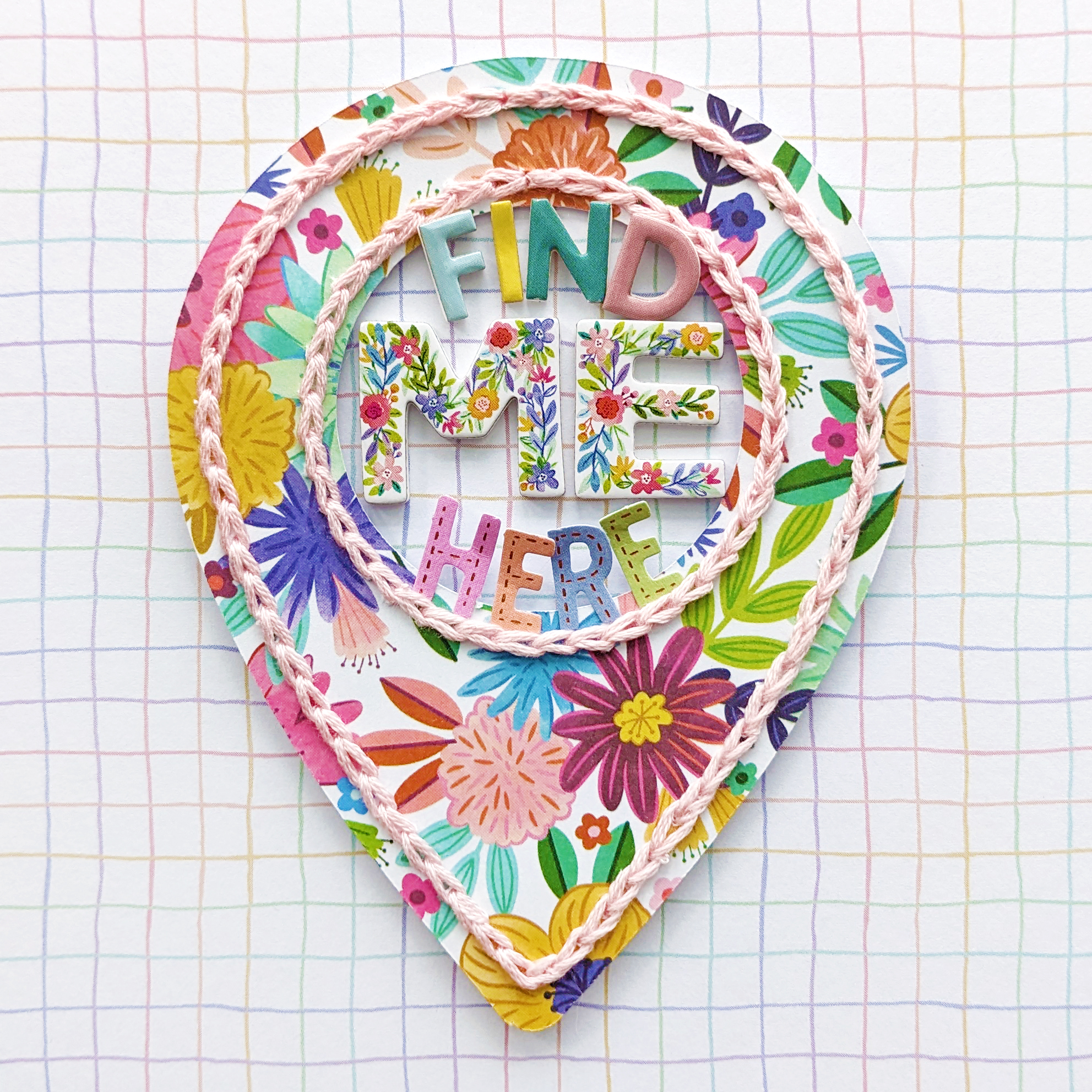
On Repeat (Paper Strips) Layout 12 of 20 with Legendary by Paige Evans


Thursday, March 26, 2026

Layout 12 of 20 using Legendary is called ON REPEAT and features lots of patterned paper strips! This is a layout that I showed how to create in a Make With Me Monday video HERE, so I've shared it once already, but for this page I switched out the embellishments to use just 1 of everything from Legendary and there is an updated process video & instructions that comes in my 20 Legendary Layouts Class.

I have a virtual class with a 6.5 video showing how to create all 20 layouts HERE. Legendary is still widely available at places like Scrapbook.com and A Cherry On Top. To be able to create all 20 layouts, you'll need 2 of the 12x12 Paper Packs and 1 of everything else in Legendary (the 6x8 Paper PadPuffy Alpha StickersChipboard StickersCardstock StickersFabric BordersPuffy StickersEphemera Die CutsJournaling Die Cuts, and Enamel Dots), plus extras like cardstock for layout backgrounds, a few punches, an electronic cutting machine such as a Cricut or Cameo to be able to cut out the digital cut files, and various crafting tools - the full list of all of the supplies needed is included with the purchase of my 20 Legendary Layouts Class. I even made a bonus 21st layout with scraps and you can find that free video in a Make With Me Monday video HERE.
I feel like most of these Legendary layouts could be re-created with any collection for new & fun results! This layout is perfect for using patterned paper scraps. Full instructions, the digital cut file downloads, and the process video are included in my 20 Legendary Layouts Class. Let me know if you have any questions and thanks so much for stopping by!
SUPPLIES: Patterned papers, stickers, die cuts, enamel dots, fabric border: LEGENDARY; Adhesives: Bearly Art GlueFoam SquaresWhite acrylic paint

Unscripted Days Layout by Inessa Persekian


Hi friends! Inessa Persekian here and let's grab a piece of 12x12 white textured cardstock and create something fun together using the Legendary collection!
From there, I trimmed a variety of strips of Legendary papers. I mixed up the sizes to keep things interesting - some strips are 2” wide, one is 1.5”, and the rest follow the natural stripe pattern in the paper. Next, I distressed and arranged the strips slightly on a diagonal across the page to create movement and visual interest. I adhered them down and trimmed off the excess from the edges, eyeballing how much space I wanted to leave visible. To add a bit more texture and detail, I added machine stitching along the blue strips. For my photo, I used a 4x6” picture of my hubby and our cute little pup Paisley. I layered it with two patterned papers from the 6x8 Paper Pad to give it some dimension. Behind the photo, I tucked in one last strip that I tore in half for a more organic look. Now for the fun part - embellishing! I pulled pieces from the Journaling Die Cuts, the Ephemera Die CutsPuffy StickersCardstock Stickers, and Chipboard Stickers to build out clusters around my photo. I love mixing textures to really bring the layout to life. To finish everything off, I added a bit of thread, some white twine to the tags, and Enamel Dots from the collection for that perfect final touch. I hope this layout gives you some fun ideas to try with your supplies. Don’t be afraid to play with different sizes and angles - it’s such an easy way to create a dynamic background!
SUPPLIES: Patterned papers, stickers, die cuts, enamel dots: LEGENDARY

Fox & Isabel (Backed Arrows Cut File) Layout 11 of 20 with Legendary by Paige Evans


Wednesday, March 25, 2026

Layout 11 of 20 using Legendary is called FOX & ISABEL and features my backed Arrows Cut File! This is one of the first layouts I made with Legendary so I've shared it once already, but for this page I switched out the background paper & embellishments to use just 1 of everything and there is a process video & instructions that comes in my 20 Legendary Layouts Class - including the digital cut file downloads so you'll need an electronic cutting machine such as a Cricut or Cameo to be able to cut them out.

I have a virtual class with a 6.5 video showing how to create all 20 layouts HERE. Legendary is still widely available at places like Scrapbook.com and A Cherry On Top. To be able to create all 20 layouts, you'll need 2 of the 12x12 Paper Packs and 1 of everything else in Legendary (the 6x8 Paper PadPuffy Alpha StickersChipboard StickersCardstock StickersFabric BordersPuffy StickersEphemera Die CutsJournaling Die Cuts, and Enamel Dots), plus extras like cardstock for layout backgrounds, a few punches, an electronic cutting machine such as a Cricut or Cameo to be able to cut out the digital cut files, and various crafting tools - the full list of all of the supplies needed is included with the purchase of my 20 Legendary Layouts Class. I even made a bonus 21st layout with scraps and you can find that free video in a Make With Me Monday video HERE.
With paper scraps from the 6x8 Paper Pad I backed my Arrows Cut File and did a bit of mixed media on the background first for an interesting layer. Full instructions, the digital cut file downloads, and the process video are included in my 20 Legendary Layouts Class. Let me know if you have any questions and thanks so much for stopping by!
SUPPLIES: Patterned papers, stickers, die cuts, enamel dots: LEGENDARY; Adhesives: Bearly Art GlueFoam SquaresWhite acrylic paint; Watercolors: Vintage Pastels; Cut file: Arrows by Paige Evans (included in the CLASS)

Pumpkin Spice Layout by Audrey Mutschall


Hello friends! Audrey Mutschall here with a new layout featuring Legendary and Paige’s adorable Fall Cupcake design. I know it’s finally spring, but I will bake (and eat) pumpkin spice muffins any time of year! I had a lot of fun putting this page together with a few of the patterned papers in Legendary that I hadn’t had a chance to use yet.
I started by cutting the Fall Cupcake from white cardstock and backing it with patterned papers from the 6x8 Paper Pad. Next I took the grid patterned Unstoppable Paper, splattered it with black acrylic paint, then layered it at an angle on top of the leafy black Creative Energy Paper. I placed the cupcake on the left of the layout, tucked my photo slightly behind it on the right side, and then embellished the design with leafy Ephemera Die Cuts and a Fabric Border behind my photo. I also arranged a cluster of Ephemera Die Cuts, Cardstock Stickers, and Puffy Stickers beside my photo and created a title using one of the Chipboard Phrase Stickers. Lastly, I added a few Enamel Dots for some dimension and shine! I had so much fun using the Legendary collection for this layout. The ephemera are really versatile and the colors were absolutely perfect for this page documenting my love of baking!
SUPPLIES: Patterned papers, die cuts, stickers, fabric border, enamel dots: LEGENDARY; Cut file: Fall Cupcake by Paige Evans

World Ready (Stars Wreath) Layout 10 of 20 with Legendary by Paige Evans


Tuesday, March 24, 2026

Layout 10 of 20 using Legendary is called WORLD READY and features a patterned paper stars wreath! I originally made this layout for Scrapbook & Cards Today so I've shared it once already, but for this page I switched out embellishments to use just 1 of everything and there is a process video & instructions that comes in my 20 Legendary Layouts Class.

I have a virtual class with a 6.5 video showing how to create all 20 layouts HERE. Legendary is still widely available at places like Scrapbook.com and A Cherry On Top. To be able to create all 20 layouts, you'll need 2 of the 12x12 Paper Packs and 1 of everything else in Legendary (the 6x8 Paper PadPuffy Alpha StickersChipboard StickersCardstock StickersFabric BordersPuffy StickersEphemera Die CutsJournaling Die Cuts, and Enamel Dots), plus extras like cardstock for layout backgrounds, a few punches, an electronic cutting machine such as a Cricut or Cameo to be able to cut out the digital cut files, and various crafting tools - the full list of all of the supplies needed is included with the purchase of my 20 Legendary Layouts Class. I even made a bonus 21st layout with scraps and you can find that free video in a Make With Me Monday video HERE.
Repetition is key: stars, stars, and more stars! The stars of various sizes are super easy to create with the help of punches. Full instructions and the process video are included in my 20 Legendary Layouts Class. Let me know if you have any questions and thanks so much for stopping by!
SUPPLIES: Patterned papers, stickers, die cuts, enamel dots: LEGENDARY; Adhesives: Bearly Art GlueFoam SquaresWhite acrylic paint; Watercolors: Vintage Pastels

Rhythm of a Good Day Layout by Antonia Sherlock


Hello crafty friends! Antonia Sherlock here and today sharing a layout I created using Paige's Legendary collection with Pinkfresh Studio. I chose this collection beause the colors are the perfect fit for my photos!
I created a central cluster with my photos and a couple of Journaling Die Cuts. I grounded the page by adding paper strips at the top and bottom. I added a title Chipboard Sticker for the main title and used the Mini Puffy Alpha Stickers from the Lovely Lane collection for the subtitle at the bottom. I love florals on my layout so I used metal dies to create a few floral clusters using papers from the 6x8 Paper Pad. I hope you find my layout inspiring and thanks so much for stopping by!
SUPPLIES: Patterned papers, die cuts, stickers: LEGENDARY

The Rhythm of a Good Day (Chevrons) Layout 9 of 20 with Legendary by Paige Evans


Monday, March 23, 2026

Layout 9 of 20 using Legendary is called THE RHYTHM OF A GOOD DAY and features patterned paper chevrons! This is one of the first layouts I made with Legendary so I've shared it once already, but for this page I switched out embellishments to use just 1 of everything and there is a process video & instructions that comes in my 20 Legendary Layouts Class.

I have a virtual class with a 6.5 video showing how to create all 20 layouts HERE. Legendary is still widely available at places like Scrapbook.com and A Cherry On Top. To be able to create all 20 layouts, you'll need 2 of the 12x12 Paper Packs and 1 of everything else in Legendary (the 6x8 Paper PadPuffy Alpha StickersChipboard StickersCardstock StickersFabric BordersPuffy StickersEphemera Die CutsJournaling Die Cuts, and Enamel Dots), plus extras like cardstock for layout backgrounds, a few punches, an electronic cutting machine such as a Cricut or Cameo to be able to cut out the digital cut files, and various crafting tools - the full list of all of the supplies needed is included with the purchase of my 20 Legendary Layouts Class. I even made a bonus 21st layout with scraps and you can find that free video in a Make With Me Monday video HERE.
This is one of those techniques that I have done with lots of different collections - the results are always so fun and different! Full instructions and the process video are included in my 20 Legendary Layouts Class. Let me know if you have any questions and thanks so much for stopping by!
SUPPLIES: Patterned papers, stickers, die cuts, enamel dots: LEGENDARY; Adhesives: Bearly Art GlueFoam SquaresWhite acrylic paint; Watercolors: Pastel Dreams & Tropicals

Layout by Ali Skifton


Hello friends! It’s Ali Skifton and today I’m sharing a layout for the Paige Evans Design Team using her Legendary collection and Triangles Background cut file.
For this layout I selected a variety of patterns from the 6x8 Paper Pad and used them to back the Triangles Background cut file. I love how the mix of papers adds color and dimension to the design. This photo was taken at Joshua Tree National Park during our trip to Palm Springs last spring. It was a cold and windy day in the desert, but we still enjoyed the hike and the stunning scenery - this view was absolutely worth it! To embellish the page, I layered Ephemera Die Cuts, Cardstock Stickers, and Chipboard Phrase Stickers around the photo, then finished it off by sprinkling Enamel Dots across the page for a little extra detail and texture.
SUPPLIES: Patterned papers, die cuts, stickers, enamel dots: LEGENDARY; Cut file: Triangles Background by Paige Evans

Road Trip (Stitched Title) Layout 8 of 20 with Legendary by Paige Evans


Sunday, March 22, 2026

Layout 8 of 20 using Legendary is called ROAD TRIP and features a large stitched title! This is one of the first layouts I made with Legendary so I've shared it once already, but for this page I switched embellishments out to use just 1 of everything and there is a process video & instructions that comes in my 20 Legendary Layouts Class - including the digital cut file downloads so you'll need an electronic cutting machine such as a Cricut or Cameo to be able to cut them out.

I have a virtual class with a 6.5 video showing how to create all 20 layouts HERE. Legendary is still widely available at places like Scrapbook.com and A Cherry On Top. To be able to create all 20 layouts, you'll need 2 of the 12x12 Paper Packs and 1 of everything else in Legendary (the 6x8 Paper PadPuffy Alpha StickersChipboard StickersCardstock StickersFabric BordersPuffy StickersEphemera Die CutsJournaling Die Cuts, and Enamel Dots), plus extras like cardstock for layout backgrounds, a few punches, an electronic cutting machine such as a Cricut or Cameo to be able to cut out the digital cut files, and various crafting tools - the full list of all of the supplies needed is included with the purchase of my 20 Legendary Layouts Class. I even made a bonus 21st layout with scraps and you can find that free video in a Make With Me Monday video HERE.
I used my Road Trip for Stitching Cut File (included as a digital download with the Class) to make the letters from 7 patterned papers then hand stitched around them with same colored threads. Full instructions, the digital cut file downloads, and the process video are included in my 20 Legendary Layouts Class. Let me know if you have any questions and thanks so much for stopping by!
SUPPLIES: Patterned papers, stickers, die cuts, enamel dots, fabric borders: LEGENDARY; Adhesives: Bearly Art GlueFoam Squares; Cut file: Road Trip for Stitching by Paige Evans (included in the CLASS)

Best Friends (Backed Title Cut File) Layout 7 of 20 with Legendary by Paige Evans


Saturday, March 21, 2026

Layout 7 of 20 using Legendary is called BEST FRIENDS and features a backed title cut file! This is the last of the 7 layouts that I taught how to make at She Loves Color 2025 and now anyone can learn how to make it with the process video & instructions that comes in my 20 Legendary Layouts Class - including the digital cut file downloads so you'll need an electronic cutting machine such as a Cricut or Cameo to be able to cut them out.

I have a virtual class with a 6.5 video showing how to create all 20 layouts HERE. Legendary is still widely available at places like Scrapbook.com and A Cherry On Top. To be able to create all 20 layouts, you'll need 2 of the 12x12 Paper Packs and 1 of everything else in Legendary (the 6x8 Paper PadPuffy Alpha StickersChipboard StickersCardstock StickersFabric BordersPuffy StickersEphemera Die CutsJournaling Die Cuts, and Enamel Dots), plus extras like cardstock for layout backgrounds, a few punches, an electronic cutting machine such as a Cricut or Cameo to be able to cut out the digital cut files, and various crafting tools - the full list of all of the supplies needed is included with the purchase of my 20 Legendary Layouts Class. I even made a bonus 21st layout with scraps and you can find that free video in a Make With Me Monday video HERE.
I backed my Best Friends Cut File (included as a digital download with the Class) with patterned papers and placed it over the seam between two papers that I pieced together for a custom background. Full instructions, the digital cut file downloads, and the process video are included in my 20 Legendary Layouts Class. Let me know if you have any questions and thanks so much for stopping by!
SUPPLIES: Patterned papers, stickers, die cuts: LEGENDARY; Adhesives: Bearly Art GlueFoam Squares; Cut file: Best Friends by Paige Evans (included in the CLASS)

Almost Spring Layout by Valerie Bisson


Hi friends! Valerie Bisson here and I’m so happy to be sharing a new layout with you featuring Paige’s Vintage Spring Truck Cut File and her Legendary & Lovely Lane collections with Pinkfresh Studio.
I started my page with the Through My Lens Paper for the background and some mixed media including ink blending, stencilling, paint splatters, and distressed and tattered edges. I added a mat around the background with the Real Life Paper. Next I cut the Vintage Spring Truck Cut File from white cardstock and backed it with various papers from Legendary & Lovely Lane. I adhered it flat to the page except the fenders which I popped up for some dimension. I placed my photos center stage, tucked at the top of the truck, followed by the title along the top edge of the photos using Puffy Alpha Stickers. Lastly, I chose several pieces from the Ephemera Die Cuts, Journaling Die Cuts, and Puffy Stickers to add around the page. I hope you found some inspiration here to help you on future projects!
SUPPLIES: Patterned papers, stickers, die cuts: LOVELY LANE & LEGENDARY; Cut file: Snowflake Frame by Paige Evans

Colorado Avs (Backed Stars Border Cut File) Layout 6 of 20 with Legendary by Paige Evans


Friday, March 20, 2026

Layout 6 of 20 using Legendary is called COLORADO AVS and features a backed Stars Border Cut File! This is one of the 7 layouts that I taught how to make at She Loves Color 2025 and now anyone can learn how to make it with the process video & instructions that comes in my 20 Legendary Layouts Class - including the digital cut file downloads so you'll need an electronic cutting machine such as a Cricut or Cameo to be able to cut them out.
I have a virtual class with a 6.5 video showing how to create all 20 layouts HERE. Legendary is still widely available at places like Scrapbook.com and A Cherry On Top. To be able to create all 20 layouts, you'll need 2 of the 12x12 Paper Packs and 1 of everything else in Legendary (the 6x8 Paper PadPuffy Alpha StickersChipboard StickersCardstock StickersFabric BordersPuffy StickersEphemera Die CutsJournaling Die Cuts, and Enamel Dots), plus extras like cardstock for layout backgrounds, a few punches, an electronic cutting machine such as a Cricut or Cameo to be able to cut out the digital cut files, and various crafting tools - the full list of all of the supplies needed is included with the purchase of my 20 Legendary Layouts Class. I even made a bonus 21st layout with scraps and you can find that free video in a Make With Me Monday video HERE.
I backed my Stars Border Cut File (included as a digital download with the Class) with patterned papers in the same color that the cut file would be placed over the colorful striped paper. I do love a good tone-on-tone moment! Full instructions, the digital cut file downloads, and the process video are included in my 20 Legendary Layouts Class. Let me know if you have any questions and thanks so much for stopping by!
SUPPLIES: Patterned papers, stickers, die cuts: LEGENDARY; Adhesives: Bearly Art GlueFoam Squares; Cut file: Stars Border by Paige Evans (included in the CLASS); White acrylic paint; Watercolors: Pastel Dreams & Tropicals
Paige Taylor Evans © // Quinn Creatives DESIGN